Realistic NSFW AI Generator
Photoreal image generation without
the plastic, airbrushed AI look
Realistic means two different things, and this page is about only one of them. It does not mean images of real people — everything here is synthesized from a text prompt, with no photo uploads and no real person in any frame. It means photographic quality: renders whose skin, lighting, and anatomy survive the zoom-in test. Below is how the models get there, and how the built-in enhancer and upscaler finish the job.
Generate Photoreal Images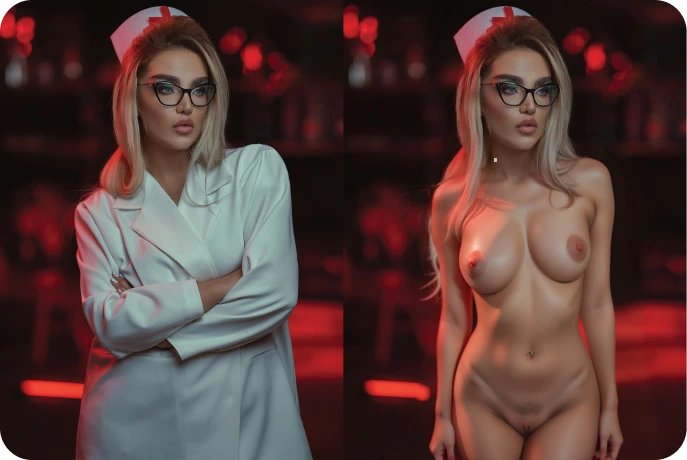
A Real CreamPorn Workflow Output
This side-by-side pair comes from the current product asset set. It shows an actual result from CreamPorn's adjacent image workflow, not a promise that every text prompt will produce the same quality.
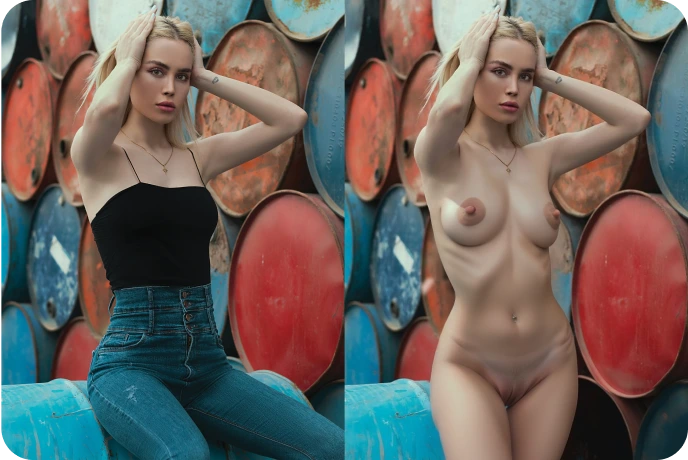
What is directly inspectable here: subject placement, pose, background geometry, light direction, and edge continuity. For text-to-image, run several outputs from one prompt and inspect the same criteria at full size; results vary by prompt and settings.
Where the Realism Comes From
Photoreal output succeeds or fails on visible details: skin texture, hand and eye anatomy, consistent light direction, readable depth, and edges that survive full-size inspection. CreamPorn provides a prompt-led generation workflow plus enhancement and upscaling paths for a selected frame. Start with a simple composition, compare several generations, and check the current credit cost shown in the product before rerolling or applying another workflow.
Avoiding the "AI Look"
The tells that give AI images away, and what counters each one
Plastic Skin
Over-smoothed, poreless skin is the classic tell. Inspect the result at full size for varied texture, fine hair, believable highlights, and natural tonal variation instead of assuming a photoreal label guarantees them.
Impossible Lighting
Realism dies when shadows disagree with the light source. Scene-aware rendering keeps shadow direction and falloff coherent with the setting your prompt describes.
Broken Anatomy
Hands, eyes, and joint geometry are common failure points in generative imagery. Reject structurally broken frames first; use the enhancer only when the base composition is sound and the remaining issue is localized detail.
Soft, Low-Res Finish
A convincing image at thumbnail size can fall apart full-screen. Use the available upscaling workflow after selecting a strong frame, then inspect whether edges and texture improved without introducing new artifacts.
The Three-Stage Realism Pipeline
Build a sound base frame first, then use refinement tools only where they help
Generate
Prompt like a photographer: define the light source, framing, setting, depth, and one clear focal point for the base image.
Enhance
Use the enhancer on a selected frame when faces, edges, or fine detail are soft; do not expect it to rebuild a fundamentally broken pose.
Upscale
Apply the available upscaler only after the composition works, then compare the result at full size for added detail and new artifacts.
Tools in the Realism Pipeline
Each stage has its own page with details and examples
Realistic NSFW AI — Frequently Asked Questions
Pass the
Zoom-In Test
PHOTOGRAPHIC QUALITY, FICTIONAL PEOPLE
Every image on this platform is synthesized from a written description. No photos are uploaded, no real person is depicted, and depicting real individuals without consent is prohibited by the terms. Realism is a rendering standard here — never a source-material claim.
Generate the base image, inspect it at full size, refine only a viable frame, and use the available upscaling workflow when a larger result is needed.